
Would you like a Test Drive?
Curious to try the app for yourself? We’ve got you covered.
Just click the ‘Sign up’ button below page and fill in your details. We’ll set up your credentials and send you everything you need to take the app for a test drive. We’re confident you’re going to love it!



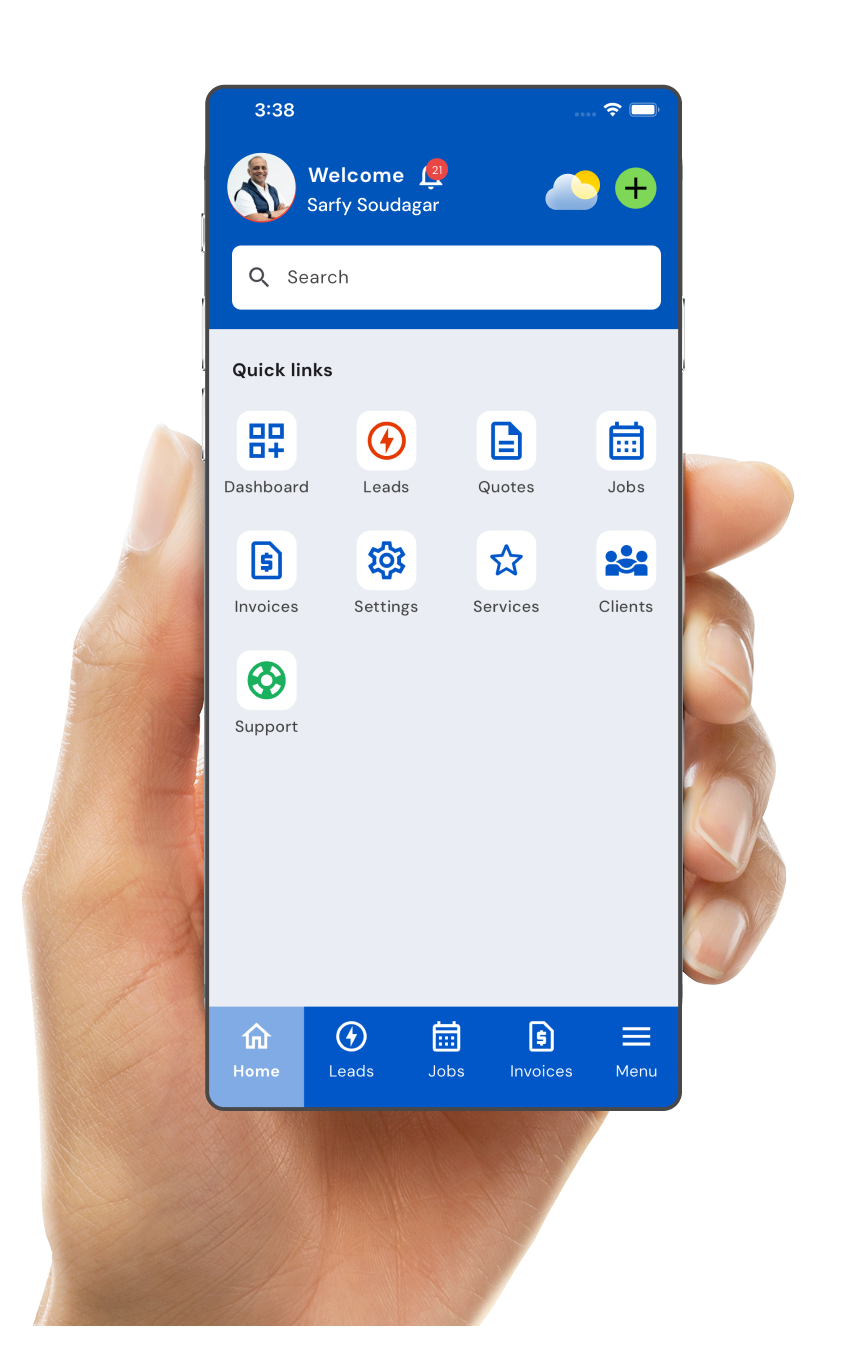
How to Get Access
Step 1
Sign Up for a Test Drive
- If you are in Franchisee Training, please check-in with your instructor
- If you not in Franchisee Training, please click the Sign up button below

Step 2
Add a Client
Go to the Clients section and add a new client by entering their essential details.
You can also:
- Add multiple properties under one client
- View client history and past interactions

Step 3
Schedule a Visit
- Use the Jobs section to schedule a one-time or recurring visit.
- The app will automatically send reminders to both users and customers about upcoming appointments.

Step 4
View Today’s Jobs
- See all scheduled jobs for the day.
- Tap the first job to get directions to the customer’s address.
- You can also send an “On the Way” message directly from the app.

Step 5
Mark Job as Done
- After completing a job, swipe right to mark it as done.
- The app will automatically convert the completed job into a draft invoice for your review.

Step 6
Send the Invoice
- Review the auto-generated invoice.
- Make any necessary changes (e.g., for additional work), then send it to the customer.
- The app will follow up with the customer automatically until the invoice is paid.
Step 7
Customer Payment
- Customers can pay online directly through the app.
- Receipts are issued automatically once payment is received.

Step 8
Leave ratings and reviews
After each job, both users and customers can rate each other on a 1 to 5-star scale.